
Welcome visitors
Use reception displays for a welcome message, company information and directions. We assess the light, viewing distance and wall space so the screen is easy to read without dominating the reception area.
Explore reception displays Get a quote
028 8678 8536Call
Get a quote
028 8678 8536Call
Give visitors clear information and keep your team up to date with commercial displays in reception, meeting areas and staff spaces. Digi Sign NI helps businesses across Northern Ireland and Ireland plan screens around the building and the people using them.
Use reception displays for a welcome message, company information and directions. We assess the light, viewing distance and wall space so the screen is easy to read without dominating the reception area.
Explore reception displays
Share approved announcements, internal campaigns and workplace information in shared areas. Agree who owns the content and how often it changes before choosing the screen and software.
Compare commercial monitors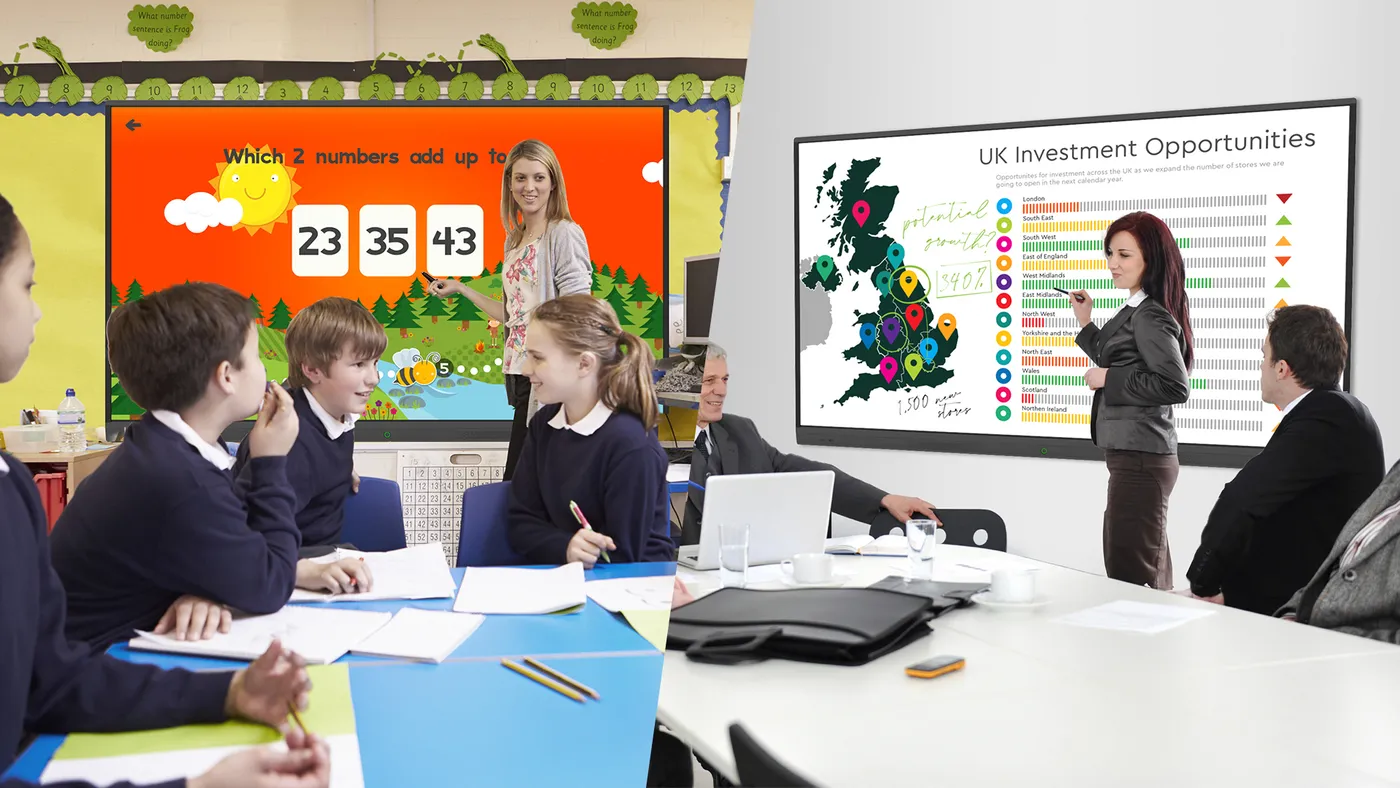
Choose a large display or interactive screen for presentations and collaboration. We check room size, sightlines, source devices and mounting, with software compatibility assessed for your setup.
View interactive displaysSend us photographs of the proposed locations, approximate viewing distances and the information you want to show. We will discuss operating hours, power, connectivity and access for installation, then set out the equipment and support in your quotation.
Discuss your workplace screensSee a published Digi Sign NI signage upgrade at the Northern Ireland Audit Office in Belfast.
See the published local project at Northern Ireland Audit Office, Belfast.
Discuss remote updates through ScreenZeno software or book a showroom appointment to compare the relevant setup.

Often the starting point is an assessment of what is already installed. Send the model numbers, available connections and a photograph of each screen. A compatible external media player can add managed content to suitable displays. The Northern Ireland Audit Office project illustrates that approach; it does not mean every existing television is suitable.
Reception information addresses visitors: a welcome, directions and the next step on arrival. Staff screens can carry approved internal notices and updates. Agree who prepares and approves each playlist, how long notices remain current and which screens receive them. A single repeated playlist is not always the most useful arrangement.
A meeting display needs to work with your laptops, conferencing equipment and presentation software. Signage playback and interactive collaboration are separate requirements to confirm. Bring the device details and typical presentation material to a demonstration so the connection method and screen size can be assessed.
List the rooms, audience, viewing distances and daily operating hours. Include wall photographs, available power and network access, and any restrictions on fitting during the working day. The proposal can then distinguish displays, players, mounts, software, installation and handover.